
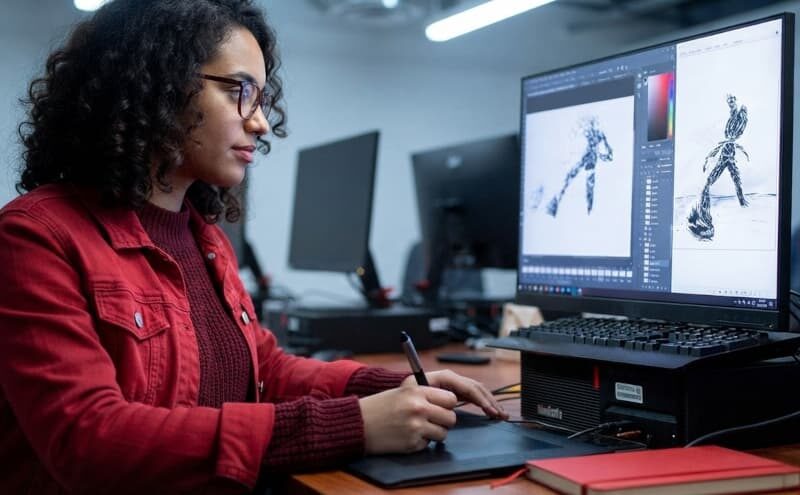
I thought becoming a digital artist would start with buying a drawing tablet.
It turns out that was probably the easiest part.
Once I started looking into it, I found dozens of programs, different types of digital art, drawing tablets, 3D software, online courses, and artists working in completely different fields. The more I looked, the less obvious the first step became.
So I decided to approach it like a beginner: figure out what people actually use, try to understand the main types of digital art, and then choose the tools that make the most sense.
What Is Digital Art?
Digital art sounds simple. It is art created with digital technology.
But that definition covers a lot.
A person drawing a portrait on an iPad is a digital artist. So is someone creating a 3D character for a video game. Someone designing a book cover in Photoshop is one too.
Common Types
I started by looking at what digital artists actually make.
Digital painting was the easiest for me to understand. It works much like traditional painting, except the canvas is a screen.
Then there is digital illustration. It overlaps with digital painting, but the purpose can be different. Illustrators may create images for books, magazines, advertising, games, or websites.
In 3D art, you create a character, a car, a building, or an entire environment. This is heavily used in games, animation, and film.
Vector art is another world. It is what you usually want for logos, icons, and graphics that need to stay sharp at different sizes.
Pixel art. It looks simple at first, but creating a good image with such limited detail takes a lot of control. It is still widely used in independent games.
There is also concept art, which I found especially interesting. Concept artists are often creating ideas rather than final products. They might design a monster, spaceship, city, weapon, or character that another team will later turn into a finished game or film asset.
And finally, there is photo manipulation, where photography and digital art overlap. Artists can combine photographs, change environments, add objects, or create scenes that never existed in real life.
At this point, I realized I was asking the wrong question.
Instead of asking, “Which type of digital art is best?” I started asking, “What would I actually enjoy making for the next six months?”
That makes the choice much easier.
The Best Digital Art Programs to Explore
The software market was probably the most confusing part.
Photoshop was the first name I kept seeing. There is a reason for that. It is used for almost everything: digital painting, illustration, photo editing, compositing, and concept art.
If I wanted one program that could follow me into different areas, Photoshop would be the safe choice.
But then there is Procreate. If you already have an iPad, it is hard to ignore. It is designed around drawing and painting, and the interface feels much less intimidating when you are starting out.
Personally, I would choose Procreate if my main goal was illustration and I already owned an iPad. I would choose Photoshop if I wanted to explore several types of digital work.
Then I found Adobe Illustrator. It is not really competing with Procreate in the same way. Illustrator is much more about vector graphics, so it makes more sense if you are interested in logos, branding, icons, and typography.
For 3D, the obvious name I kept coming across was Blender.
What surprised me is that Blender is free and still offers tools for modeling, sculpting, animation, rendering, and visual effects. If I decided that 3D was the direction I wanted to take, this is where I would start.
There is also Krita, which I would probably recommend to someone who wants to experiment with digital painting without paying for software. It is free and open source and was built with digital artists in mind.
So my shortlist would look something like this:
- Photoshop — if I want the most flexible option.
- Procreate — if I mainly want to draw on an iPad.
- Illustrator — if I am interested in vector art and graphic design.
- Blender — if I want to learn 3D.
- Krita — if I want a free painting program.
I would not download all five.
That was another beginner mistake I almost made. Having five programs does not make you five times better. It just gives you five interfaces to learn.
I would pick one based on the type of work I want to create and stay with it for a while.
Who Should You Follow?
Following established artists is one of the easiest ways to understand what professional digital art actually looks like.
Kim Jung Gi
Kim Jung Gi was one of the most internationally recognized illustrators of his generation. The Korean artist became particularly famous for creating highly detailed drawings with an unusual ability to work directly from memory.
His work is useful for studying perspective, anatomy, composition, and visual memory.
Although Kim Jung Gi died in 2022, his books, drawings, demonstrations, and educational material continue to influence artists around the world.
Loish
Dutch artist Lois van Baarle, known as Loish, built an international career around digital illustration and character design.
Her work has included projects for major companies such as LEGO, Guerrilla Games, Amazon, EA, and Coca-Cola.
For beginners, her work is particularly useful for studying color, character design, anatomy, and expressive poses.
Raf Grassetti
If games are your goal, Raf Grassetti is worth studying.
Grassetti worked as a Principal Artist and Art Director on the God of War franchise and has extensive experience in character creation, digital sculpting, modeling, and rendering.
His career shows how digital art can move beyond illustration into large-scale game production.
RossDraws
Ross Tran, known as RossDraws, combines illustration, concept art, education, and online content.
His work covers characters, portraits, environments, and fantasy art. He is also a good example of how modern artists can build an audience around their creative work instead of relying entirely on traditional studio jobs.
Marc Brunet
Marc Brunet spent years working in the game industry, including as a Senior Artist at Blizzard Entertainment, before creating educational resources for digital artists.
His career is particularly relevant to beginners because his teaching focuses on fundamentals such as anatomy, perspective, composition, and digital painting.
Where Can Digital Art Take You?

This was probably the most encouraging thing I found during my research.
Digital art does not automatically mean becoming an illustrator and selling drawings online.
There are jobs in video games, where artists work on characters, environments, props, interfaces, and concept art.
There is film and television, where digital artists can work on visual development, 3D assets, environments, storyboards, and visual effects.
There is animation, advertising, graphic design, editorial design, book covers, and product visualization.
And there is freelancing.
For a beginner, freelancing can seem like the easiest option because there is no single company you need to get hired by. But clients still want to see what you can do.
That brings me to the part I would focus on most.
Build Skills Before Building a Brand
It is tempting to start with Instagram, TikTok, or a personal website. But, as I understood, your first priority should be the work itself.
You should learn the fundamentals. Practice drawing. Study light, color, anatomy, perspective, composition, and visual storytelling. Recreate exercises from artists you admire to understand how they work, then create your own projects.
You do not need 500 drawings in your portfolio. You need a few strong ones that show what you can do.